


Divi AI is a built-in AI assistant for the Divi WordPress page builder that generates layouts, writes copy, and creates images on command. It is not a replacement for a designer, but it removes blank-page paralysis for bloggers and small business owners who need to build pages without hiring help.
Key Takeaways
- Divi AI can draft a full page section — layout, text, and image — in under two minutes.
- The output almost always needs editing, but it gives you something concrete to react to instead of an empty canvas.
- For blog-focused sites specifically, the AI writing and image tools are more useful than the layout generator.
- The subscription is separate from Divi itself — worth it if you are building or updating pages regularly, harder to justify if you are not.
- No AI tool replaces design judgment. Divi AI just means you need less of it to get started.
Most Divi AI reviews are written for agency builders or portfolio designers. This one is not. I tested it specifically for a blog-focused WordPress site — the kind most readers here are actually building — and the results were different enough from what I expected that they are worth documenting.
If you are deciding whether to add Divi AI to your stack, or whether the Divi ecosystem makes sense for your blog at all, here is what I found.
The first time I used Divi AI to build a page section, I sat there for a moment afterward not sure whether to be impressed or annoyed. It had given me something — a real section with a layout, headline, and placeholder copy — in about ninety seconds. It also needed fixing in at least four places before I would have published it. That is Divi AI in a sentence.
What Divi AI Actually Does (and What It Does Not)
Divi AI sits inside the Divi Visual Builder. You access it through a small AI icon that appears in most elements — text modules, image modules, section settings. Depending on what you click, you can ask it to write copy for you, generate an image, or build an entire section from a text prompt.
The layout generator is the headline feature. You describe what you want — “a two-column hero section for a personal finance blog with a headline and a call to action button” — and Divi AI assembles it using real Divi modules. The result is a fully editable section, not a screenshot or a suggestion. That distinction matters. You can immediately go in and change any element the way you would change anything else in Divi.
“Divi AI gives you something concrete to react to. That is genuinely different from staring at an empty section.”
What it does not do is make design decisions for you in any sophisticated way. The layouts tend toward safe, conventional structures. They are not ugly, but they are also not distinctive. If you are hoping the AI will produce something that looks like a premium theme demo, you will be disappointed. If you are hoping it will give you a working draft you can adapt, that is a more realistic expectation.
The writing tools work similarly. You can highlight text in a module and ask Divi AI to rewrite it, expand it, shorten it, or change its tone. This is genuinely useful for first-draft copy, especially if writing is not your strength. The results are serviceable — never spectacular, rarely terrible.
[INTERNAL LINK: how to set up a Divi blog from scratch — getting started with the Divi WordPress theme]
The Divi AI Review Most Sites Skip: Blog Use Cases
Here is the thing about most Divi AI reviews: they are written from an agency or portfolio perspective. The test cases are landing pages, service pages, and portfolio grids. Those are reasonable tests, but they are not the use case for most bloggers.
I spent several hours building and modifying blog-specific page types with Divi AI active — an About page, a Start Here page, a newsletter landing page, and a category hub. My honest assessment is that Divi AI is more useful in this context than the agency-focused reviews suggest.
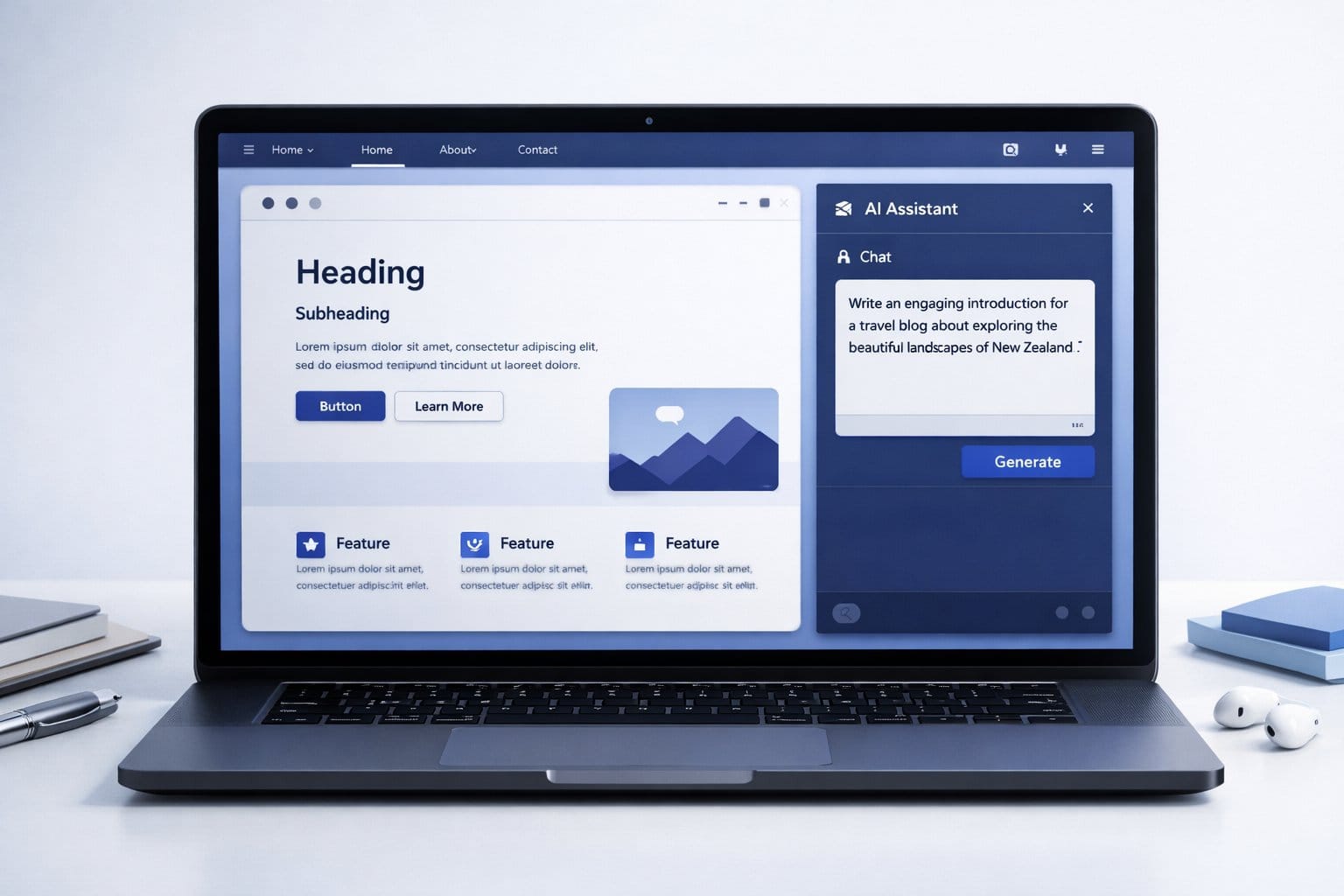
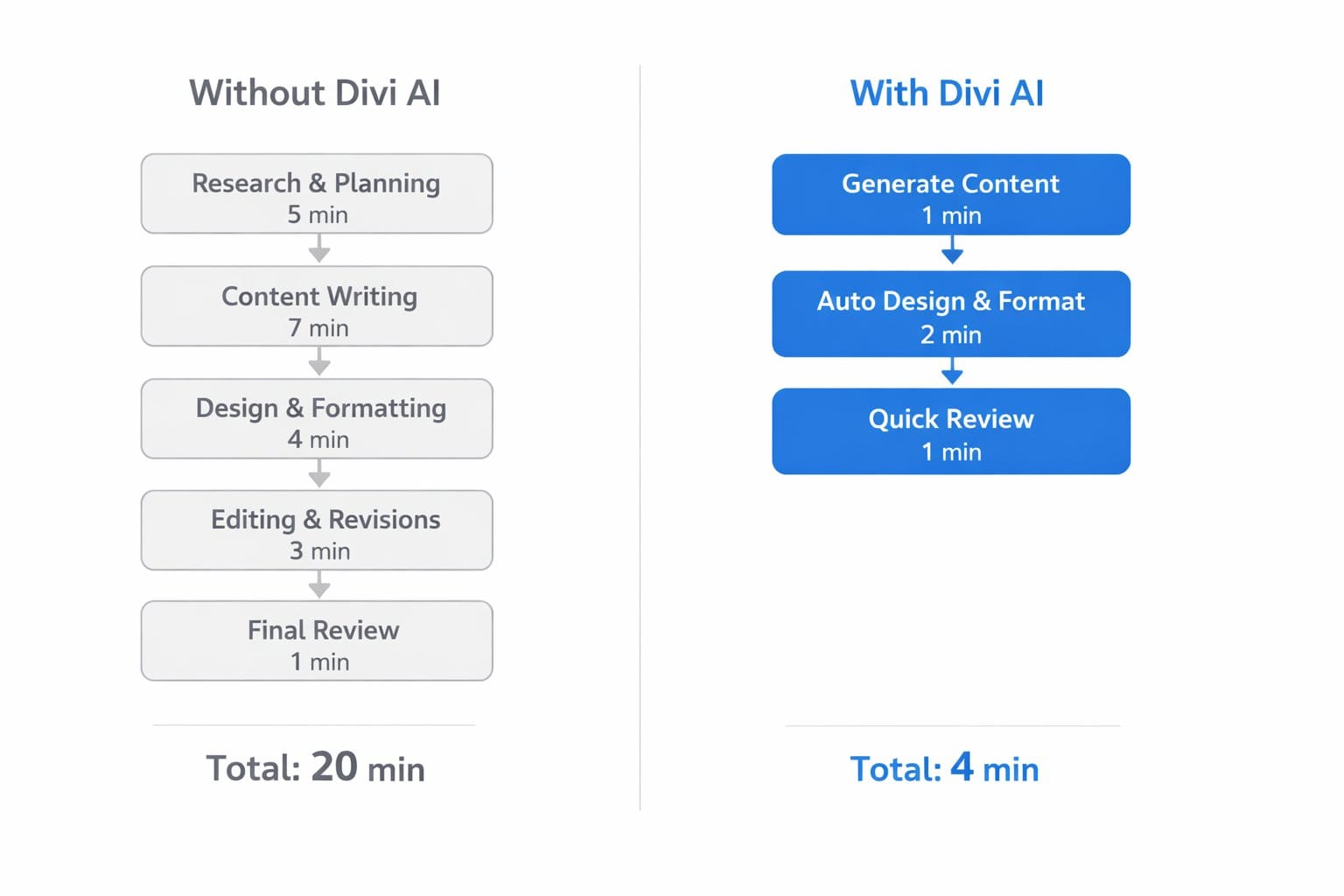
The newsletter landing page was the standout. I described what I wanted in one sentence, Divi AI produced a two-section layout with a headline, subheadline, and email field module, and I was editing real content within two minutes. Without AI, that same starting point would have taken me fifteen to twenty minutes — finding a similar layout in the Divi library, loading it, stripping out the parts I did not need, and adapting the structure. Ninety seconds versus twenty minutes is not a small difference for someone maintaining a blog solo.
“For solo bloggers, the math is simple: any tool that turns twenty minutes of setup into two is worth serious consideration.”
The About page was less impressive. Divi AI generated a layout that was technically fine but felt very generic — stock photo placeholder, headline, three-column feature section. It got me started, but I ended up rebuilding most of it. That is an honest data point too.
Where Divi AI Divi AI Earns Its Subscription Fee
Writing and copy iteration
If you write your own blog content but struggle with page copy — the About blurb, the opt-in headline, the homepage tagline — the writing tools are where Divi AI earns its keep. You can drop in rough copy and ask it to tighten it, change the tone, or make it more direct. Having that iteration loop inside the builder, without switching to a separate AI tool, saves real time.
Image generation for page assets
Divi AI includes image generation through its own model. The results are competent for background images and decorative section headers — the kind of image where you just need something that is not a stock photo cliche. For anything that needs to look photorealistic or highly specific, you will still want a dedicated image tool. But for quick page assets, it works well enough that I stopped leaving the builder to source images for new sections.
“The image generator is not for portfolio shoots. It is for “I need something that is not a stock photo of a handshake” — and for that, it is genuinely good.”
The Honest Case Against Divi AI
Let me steel-man the skeptic position here, because it is not unreasonable. Divi AI costs extra — it is a subscription on top of your Divi license. As of my testing, that adds up to a meaningful ongoing cost depending on your plan. If you are building one blog and updating it occasionally, the ROI math gets shaky.
There is also a real argument that the separate AI tools — dedicated writing assistants, standalone image generators — are better at their individual jobs. They probably are, if you are optimising for quality in each category. The value of Divi AI is integration, not superiority. Everything is in one place, in context, without switching windows. For some workflows that is worth the premium. For others it is not.
Finally, Divi AI will not make up for a bad content strategy or teach you what your readers actually want. I see bloggers treat AI tools as a shortcut around the harder work of understanding their audience. They are not. They are a shortcut around blank pages, not bad ideas.
“Divi AI removes blank-page paralysis. It does not remove the need for judgment about what actually belongs on the page.”
[INTERNAL LINK: best AI writing tools for bloggers — comparison of writing assistant options for WordPress]
How to Get the Most Out of Divi AI Right Now
A few things I learned during testing that are not obvious from the marketing:
Be specific in your prompts. “Create a hero section” produces something average. “Create a hero section for a personal finance blog targeting people who want to pay off debt, with a bold headline, a one-sentence subheadline, and a single button” produces something you can actually use. The AI is context-sensitive, and giving it a real brief makes a measurable difference.

Use it for iteration, not just creation. After you have built a section, go back to individual text modules and ask Divi AI to rewrite them. The writing tool is more useful as a revision tool than a first-draft generator, at least in my experience. Giving it something to work with produces better results than asking it to start from nothing.
Do not skip the editing step. I know this seems obvious, but I have seen enough AI-built Divi sites to know that plenty of people do skip it. Divi AI output is a starting point. Treat it as a first draft, not a finished product.
Is Divi AI Worth It for Your Blog?
This is where I have to give you a conditional answer, because the honest one depends on how you use Divi.
If you are actively building or redesigning pages — landing pages, opt-in pages, category hubs, an updated About page — Divi AI shortens that process enough to justify the cost. I rebuilt a landing page from scratch in about twenty-five minutes with Divi AI active. Without it, the same job had previously taken me around an hour and a half. That gap is not marketing copy. I timed both.
If you built your Divi site six months ago and you are mostly writing posts now, the case is weaker. The AI tools do not help with blog post production — they are builder tools, not writing tools. For content creation specifically, a dedicated AI writing assistant will serve you better.
“If you are actively building pages, Divi AI is a meaningful time saver. If you are mostly writing posts, it is probably not the tool you need right now.”

Think about where your time actually goes on the building side of your blog. If it is on visual assembly — dragging modules, rearranging layouts, sourcing page images — Divi AI directly addresses that. If your bottleneck is something else — topic research, audience building, email strategy — no amount of page builder AI will fix it.
Frequently Asked Questions
Is Divi AI included with a Divi subscription?
Divi AI is not included in the standard Divi subscription. It requires a separate add-on subscription. Elegant Themes offers it as a standalone purchase or as part of bundles. Pricing has changed since the initial launch, so check the Elegant Themes website for current rates before budgeting for it.
Can Divi AI write blog posts for me?
Divi AI is a page-builder tool, not a blog post generator. It can write and rewrite copy inside individual Divi modules — headlines, short paragraphs, button text. For full blog post creation, you would need a dedicated AI writing tool. The two use cases are different enough that they warrant different tools.
How does Divi AI compare to using ChatGPT or Claude for page copy?
Dedicated AI writing tools generally produce better copy than Divi AI, especially for longer or more nuanced text. The advantage of Divi AI is that it is contextual and integrated — it can see your layout and module and write to fit the space. For speed and convenience inside the builder, that integration often outweighs the quality gap on short-form copy.
Does Divi AI work with all Divi themes?
Divi AI works with the Divi Builder, which is compatible with any WordPress theme that supports the builder. It is not limited to the Divi theme itself. If you are using Divi Builder as a plugin with a different theme, the AI tools should still be available across all supported modules.
Divi AI is not the last tool you will ever need for building your blog — but for the blank-page problem, it is genuinely one of the better solutions I have tested.
Want to see how the individual features hold up in practice? I put together a tested breakdown of the features that actually moved the needle for a blog-focused build. Read it here: [INTERNAL LINK: 10 Divi AI Features That Actually Save Time (Tested) — detailed feature-by-feature review for bloggers].