The Best WordPress Theme for an AI Blog Costs $0. Here Are 3 Free Picks
The best WordPress theme for an AI blog is usually a free one. Kadence, Astra and GeneratePress all have free versions on WordPress.org, work with the block editor, and are built to be lightweight. For a new AI blogger, Kadence or Astra is a sensible starting point.
Plenty of marketplace themes are sold as “built for AI content.” They often cost $50 to $100 and ship with heavy page builders, sliders and scripts that can slow a site down. Before paying for one, it is worth running its demo through Google PageSpeed Insights and comparing it with a free theme’s demo. In many cases the free option holds up just as well or better.
MakeBlogAI.com runs on the free version of Kadence. Here is how the popular free themes compare, based on their published features and our experience running this site.
The Best WordPress Theme for an AI Blog Is Already Free
Kadence and Astra are the two themes we would recommend to a new AI blogger, and neither costs anything to get started. Both work well with the block editor, which matters because most AI writing tools output simple HTML that the block editor handles cleanly. Both also have small base files, so a basic post can load quickly on decent hosting. Each offers an optional paid Pro tier, but the free version covers what a new blog needs.
A paid “AI blog theme” is rarely the upgrade a new blogger needs. The free options cover speed and readability, which are what actually matter.
GeneratePress is worth a mention too. It is the most minimal of the three, with very little styling out of the box, so there is little to slow it down. If you are comfortable customizing with CSS, it is an excellent base. If you want something that looks finished right away, Kadence is the easier pick.
The takeaway: the theme is not where your money should go right now. Speed and readability are what matter, and the free options deliver both.

Does Your WordPress Theme Actually Affect SEO?
Yes, but not in the way most people expect. Google does not care about your color palette or font choices. It does care about page experience, including how fast pages load and whether the layout works on mobile. Your theme has a big influence on both.
Heavy themes that bundle page builders, animations and extra scripts can add noticeable load time compared with a lightweight theme on the same post. Google uses Core Web Vitals as part of its page experience signals, and slow pages are also a bad experience for readers, who leave quickly when a site drags.
Your theme is your site’s foundation. A slow one works against you before you publish a single word.
Clean heading structure matters too. AI-generated content often uses a lot of H2 and H3 headings. A theme that renders those cleanly, without extra wrapper markup or conflicting styles, keeps your on-page structure easy for readers and search engines to follow. Kadence and Astra both handle this well.
The bottom line: if your theme loads slowly or mangles your heading hierarchy, it is working against every piece of content you publish.
Kadence vs Astra: Which One Should You Actually Use?
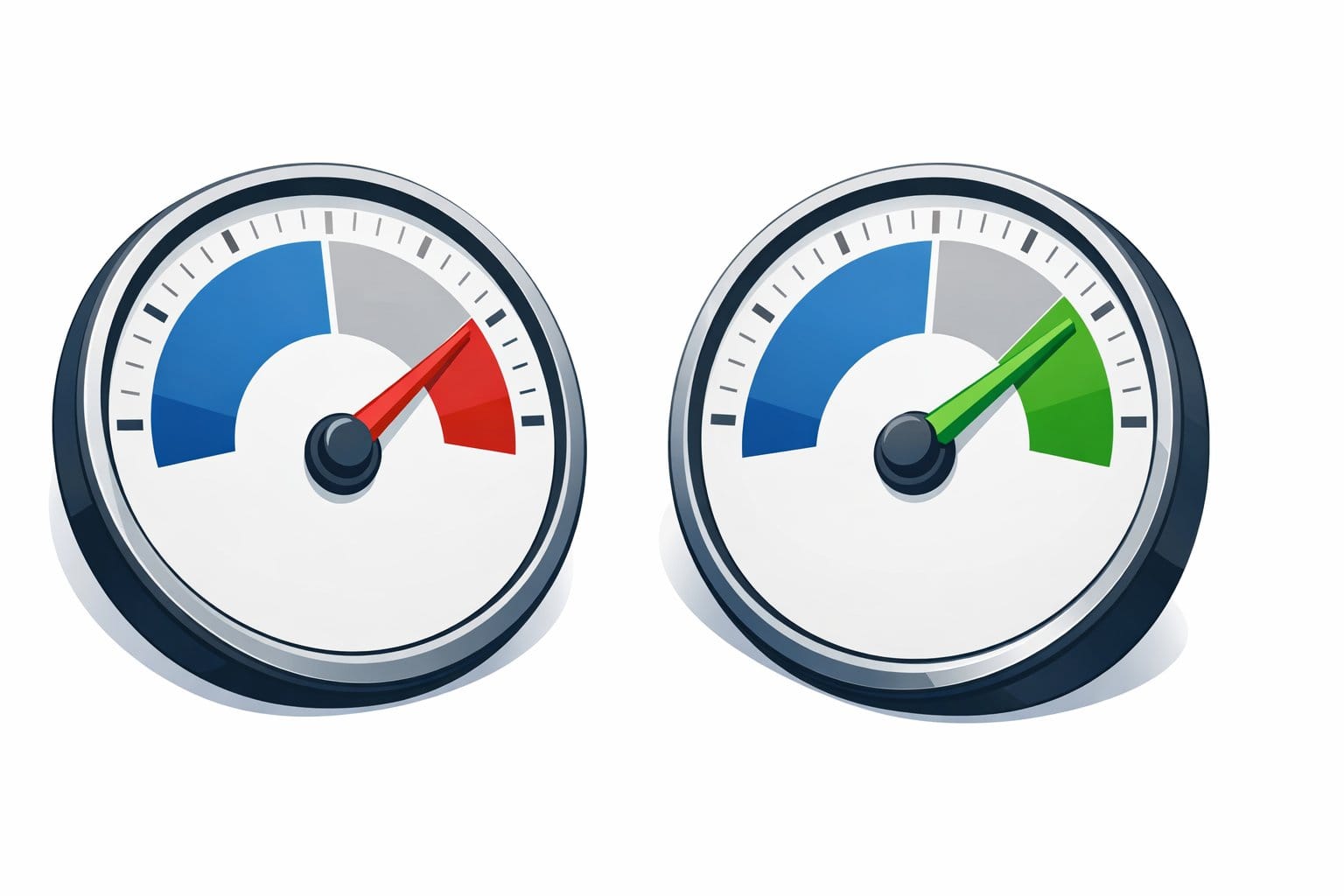
Our take: start with Kadence. Its starter templates look good out of the box, its block editor integration is polished, and the settings are easy to navigate for non-technical users. It is the theme this site runs on, and it handles AI-written posts without formatting trouble.
Astra is a strong choice if you want a very lean setup and a large library of starter templates to choose from. The performance difference between the two is small, and most bloggers will not notice it in practice.
Pick one, set it up, and move on. The theme decision should take you an afternoon, not a week.

What’s Next
Before you install anything, run the demo of any theme you are considering through PageSpeed Insights. Then grab the free version from WordPress.org (Kadence) or WordPress.org (Astra), set it up, and spend your time on content.