

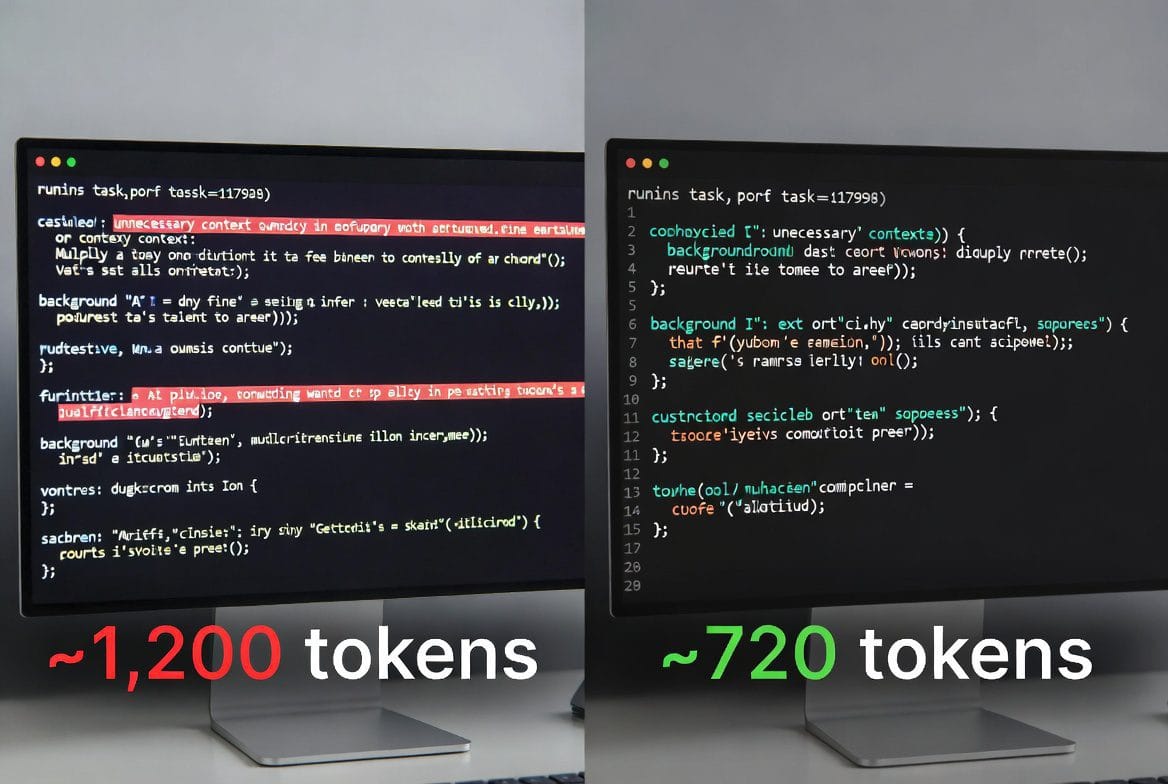
FEATURED SNIPPET
AI token optimization means writing smarter, shorter prompts so you get identical results while cutting your token spend by half. The fix isn’t complicated: trim unnecessary context, start fresh conversations, and ask the AI to compress your most-used prompts. One 10-minute session of prompt optimization can extend your monthly budget more than any plan upgrade.
Key Takeaways
- Asking AI to optimize your own prompts is the single most effective fix — it saved thousands of tokens without losing output quality.
- Five simple habits (fresh conversations, trimming documents, removing padding, being specific, using summarize-and-continue) extend your budget dramatically.
- You don’t need to use AI less. You need to use it more precisely — and precision is faster, cheaper, and produces better results.
- One 10-minute optimization session compounds into savings across your entire workflow.
By the end of this post, you’ll have five immediately actionable habits and the single most powerful fix: asking your AI to make your prompts lean. You can start today and see results in your usage by the end of the week.
After I kept hitting that usage wall, I started experimenting. One experiment changed everything. I took my standard workflow prompt — the one I’d been using for weeks — and asked Claude a simple question: ‘Here is a prompt I use regularly. Please rewrite it to be as concise as possible while keeping every important instruction intact.’ The result was roughly 40% shorter. I ran the same task with both versions. Output quality? Identical. Across an entire content workflow — about a dozen prompts I use repeatedly — that single session saved thousands of tokens.
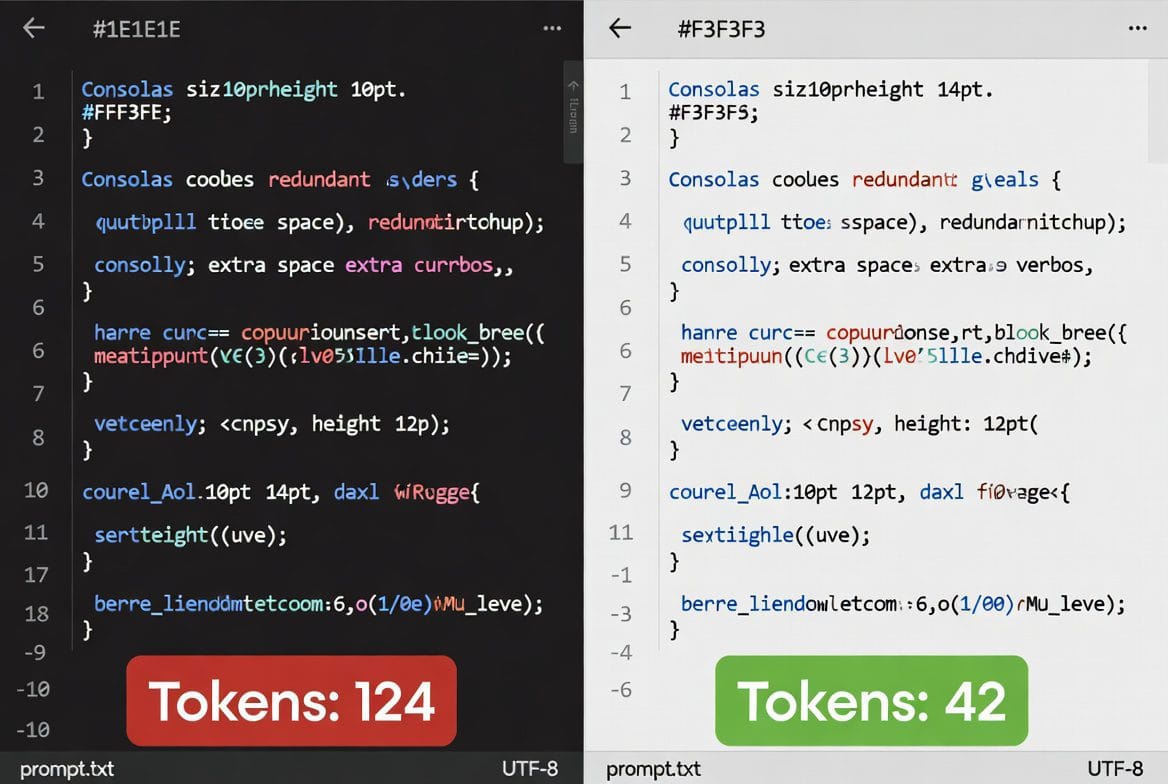 Caption: Before and after: same task, one prompt using 40% fewer tokens with identical output.
How to Stretch Your AI Token Budget Further Without Losing Quality
The key insight is this: your AI can diagnose and fix your token waste better than you can. It has no attachment to the words you’ve already written. It sees redundancy instantly.
The Master Fix: Ask AI to Compress Your Prompts
Open a new conversation with your AI of choice. Paste in a prompt you use regularly — something from your workflow, a template you reuse, anything you reach for often. Then type exactly this: ‘Rewrite this prompt to be as concise as possible without losing any of the core instructions.’
Run the output through a sanity check. Does it still ask for everything you need? If yes, replace your old version. Then do this with your five most-used prompts. You’ve just extended your monthly token budget without spending a cent more. This one fix — applied across your workflow — can save thousands of tokens monthly.
I asked AI to optimize my own prompts. The output quality stayed identical. The token savings across my workflow were in the thousands. It took 10 minutes.
The takeaway: Your AI is the best tool you have for identifying and fixing token waste. Use it.
5 Practical AI Token Optimization Habits
1. Start Fresh Conversations More Often
The single most powerful habit: resist the urge to keep one conversation going all day. Every new message forces the AI to process your entire history. By message fifteen, you’re spending 80% of your tokens on context that stopped being relevant ten messages ago. Start a new conversation when you move to a new task — even if it’s related to what you were just doing. You’re not losing progress; you’re resetting your token counter.
2. Trim What You Paste In
When you need the AI to work with a document, article, or notes, don’t paste the entire thing. Pull out only the section it actually needs. If you’re asking for a summary of paragraphs 3–6, don’t include paragraphs 1–10. If you’re asking help with one section of a report, don’t include the whole report. This alone cuts your token usage by half on content-heavy tasks.
3. Give Instructions, Not Background
Beginners spend the first third of prompts explaining who they are, what their blog is about, why they’re asking. For one-off questions, this barely matters. But for repeated tasks, background is expensive noise. Either save your context in a system prompt (Claude’s Projects feature is perfect for this), or trust that you don’t need to re-introduce yourself every time. The AI doesn’t remember you between conversations anyway.
Every word in your prompt is a direct cost. The padding isn’t helpful — it’s just expensive.
4. Be Specific, Not Elaborate
Vague prompts produce vague results, and vague results waste tokens in both directions. Instead of ‘Can you write something about email marketing for my blog?’ try ‘Write a 150-word blog intro about email open rates for small businesses, conversational tone.’ The specific version costs slightly more to type but far less to process — and it almost never needs clarification, which is where token budgets really haemorrhage.
5. Use the Summarize-and-Continue Trick
If you genuinely need to continue a long conversation, try this before you hit the limit: ask the AI to summarise the key decisions and outputs from your conversation so far. Copy that summary. Start a new conversation. Paste the summary as opening context. You’ve preserved everything important while resetting your token counter to zero. It takes 60 seconds and works every time.
The takeaway: Token optimization isn’t about using AI less. It’s about using it more precisely — and precision is faster, cheaper, and produces better results.
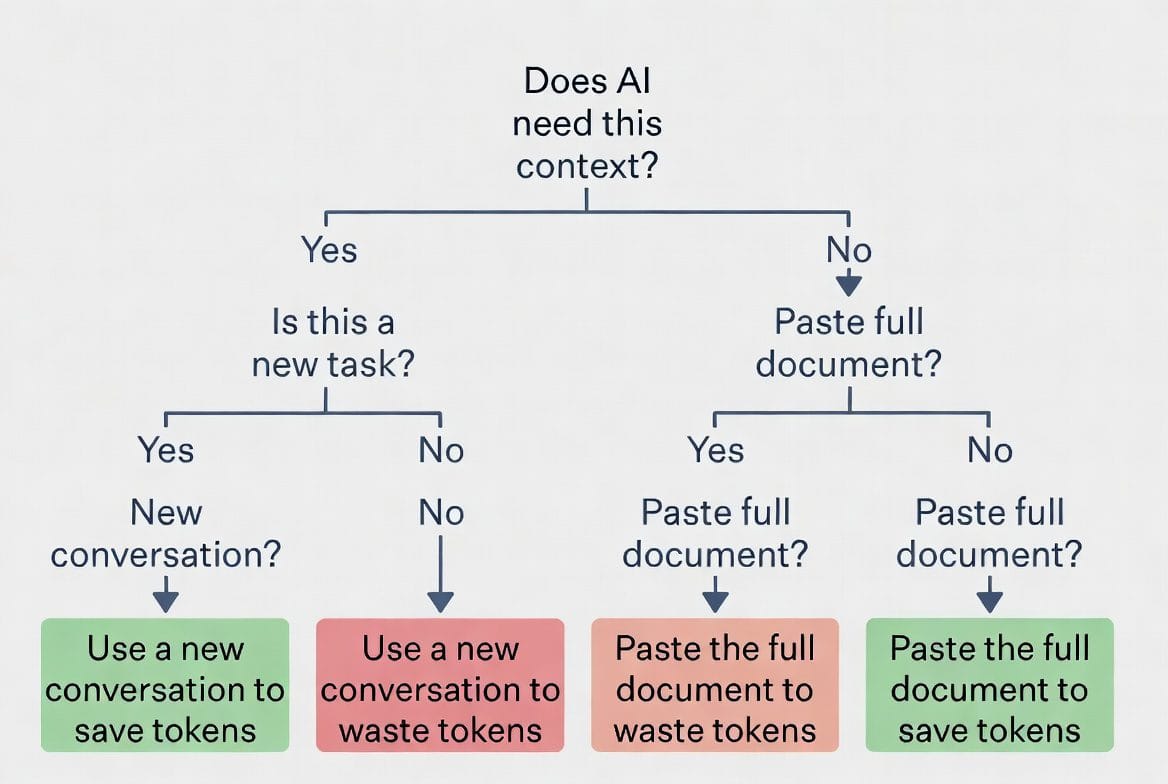 Caption: Quick decision guide: a framework for token-conscious prompting.
But Doesn’t Trimming Down My Prompt Lose Information?
This is a legitimate worry, and it deserves a straight answer. The concern is: if I remove all the context and background, won’t the AI miss important nuance?
The answer is nuanced itself. For truly complex tasks that require the AI to understand domain knowledge, historical context, or your specific brand voice, some setup context is genuinely necessary. That’s what Claude’s Projects feature solves — you set your context once, and every prompt in that project automatically has access to it.
But for most everyday prompts — one-off writing tasks, quick brainstorms, single-topic questions — the padding doesn’t add information. It adds noise. The AI can infer that you want a professional tone from your instruction ‘Write a professional email’ without you first explaining that you work in B2B SaaS. It can write a compelling headline without you giving it a biography of your blog.
Context matters. Padding doesn’t. Learn to tell the difference, and your prompts become simultaneously shorter, cheaper, and more effective.
The takeaway: context and padding aren’t the same thing. One matters; one just costs tokens.
Caption: Claude Projects solves the persistent context problem — set it once, use it everywhere.
How to Stop Wasting Tokens on Bloated Prompts
Can I really cut 40% off my prompts without losing quality?
Yes. The optimization prompt (‘Rewrite this to be as concise as possible’) works because AI identifies redundancy automatically. You get identical or better output because the AI spends fewer tokens on noise and more on what matters. Test it: run both versions on the same task.
Should I trim context for complex tasks?
For truly complex work, some context is necessary. Use Claude’s Projects feature to set that context once, then reference it automatically in every prompt. For simple tasks (headlines, quick rewrites, one-off questions), context padding is pure waste.
Does ‘be specific’ mean I should write longer prompts?
Counterintuitively, no. Specificity is about clarity, not length. ‘Write a 150-word blog intro about email open rates, conversational tone’ is more specific and shorter than ‘Write something about email marketing.’ Specificity cuts tokens, not adds them.
How often should I start fresh conversations?
Whenever you move to a new task or topic, start fresh. If you’re doing related work (draft, edit, revise the same piece), one conversation works. But if you’re jumping projects, start new. You’ll see tokens saved immediately.
Your Optimization Starts Today
Everything you’ve read comes down to one truth: your token budget isn’t determined by your plan. It’s determined by how you write prompts. The platform is fine. Your prompts are where the savings are.
One 10-minute session of prompt optimization can extend your monthly AI budget more effectively than any paid plan upgrade. And you can do it right now.
The first action: pick one prompt you use constantly. Ask AI to compress it. See the difference. Then apply the five habits above to your workflow. By next week, you’ll see the impact in your usage dashboard.
 Caption: Optimizing prompts takes minutes. The savings compound for months.
The next post breaks down exactly how much you get from each platform and what the real constraints are — because knowing your actual limits changes how you approach the whole game.
Ready to Cut Your Token Waste in Half?
Pick one prompt, ask AI to compress it, measure the result. This single exercise will show you exactly what’s possible. After you see the savings, the five habits become automatic — and your monthly token budget suddenly stretches twice as far.